
Download
Get Tunvio — the IPTV player for phone, TV and desktop.
Pick your platform — then connect your IPTV service in seconds. No account, no registration, no email. On Android, Tunvio is out now on Google Play and as an official APK; the other stores follow.
Google Play Download on the
App StoreSoon Available at
Amazon AppstoreSoon Available on
Samsung Smart TVSoon Get it from
Microsoft StoreSoon Download on the
Mac App StoreSoon Direct for Android
Download APK
All remaining platforms are planned for Q3 2026.
Google Play is a trademark of Google LLC. App Store and Mac App Store are trademarks of Apple Inc. Amazon Appstore is a trademark of Amazon.com, Inc. Samsung is a registered trademark of Samsung Electronics Co., Ltd. Windows and Microsoft Store are trademarks of Microsoft Corporation. Tunvio is not affiliated with or endorsed by any of these companies.
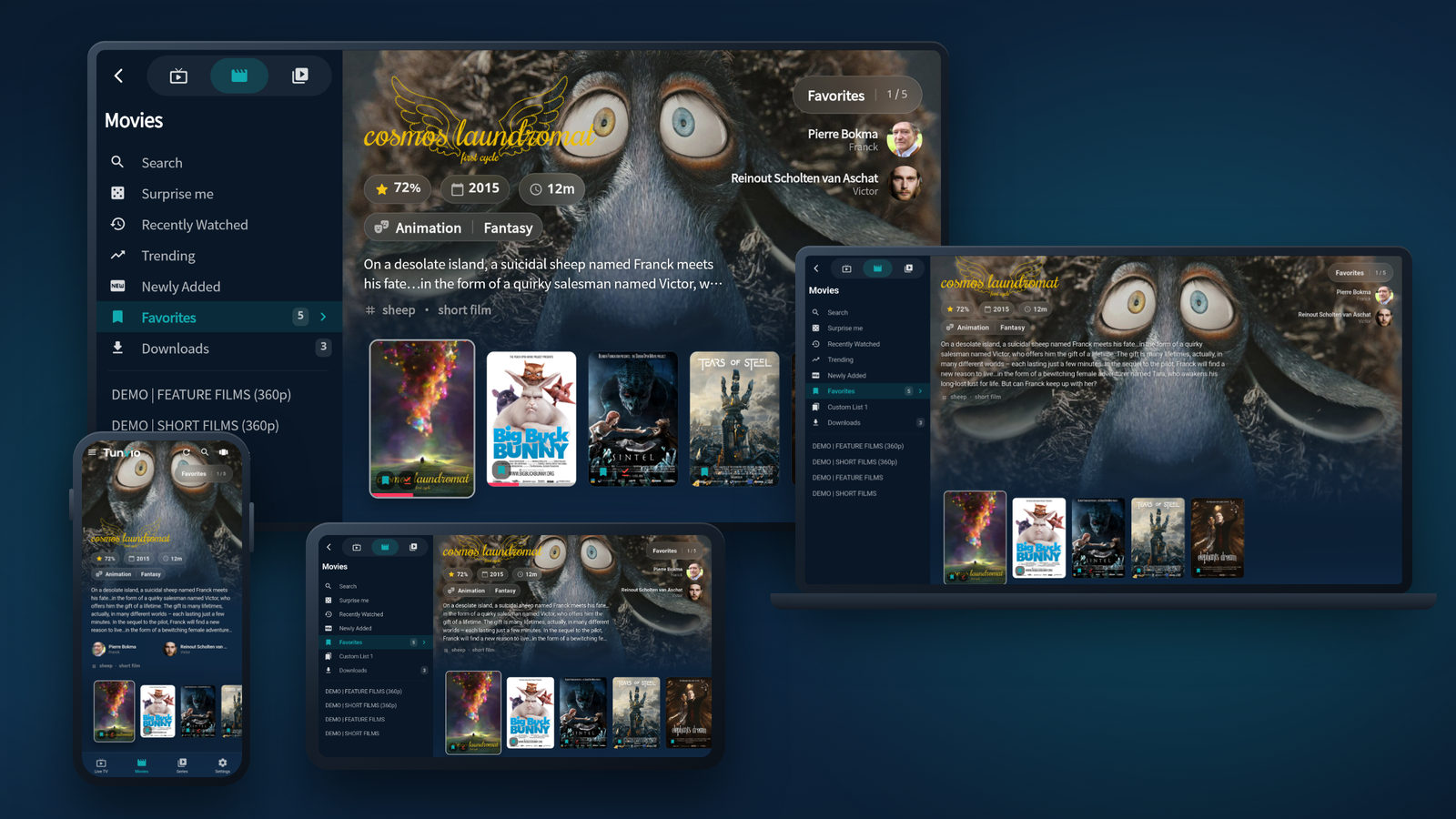
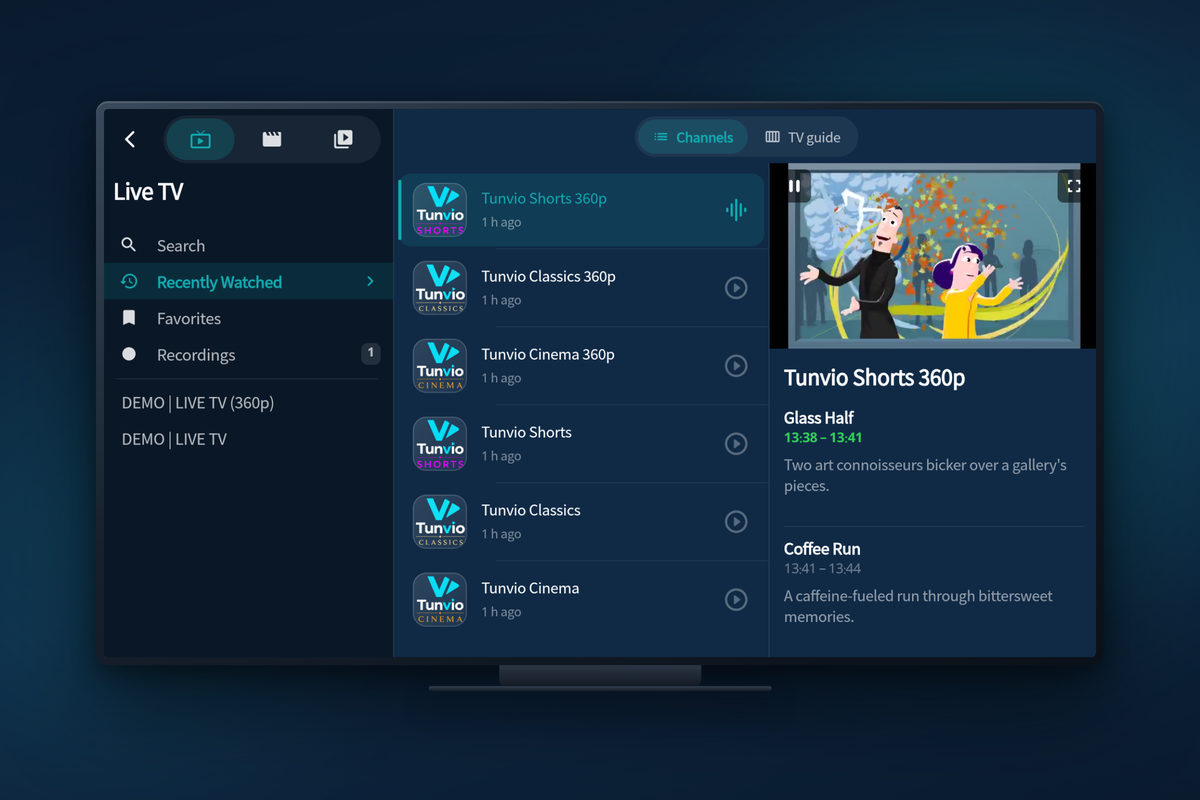
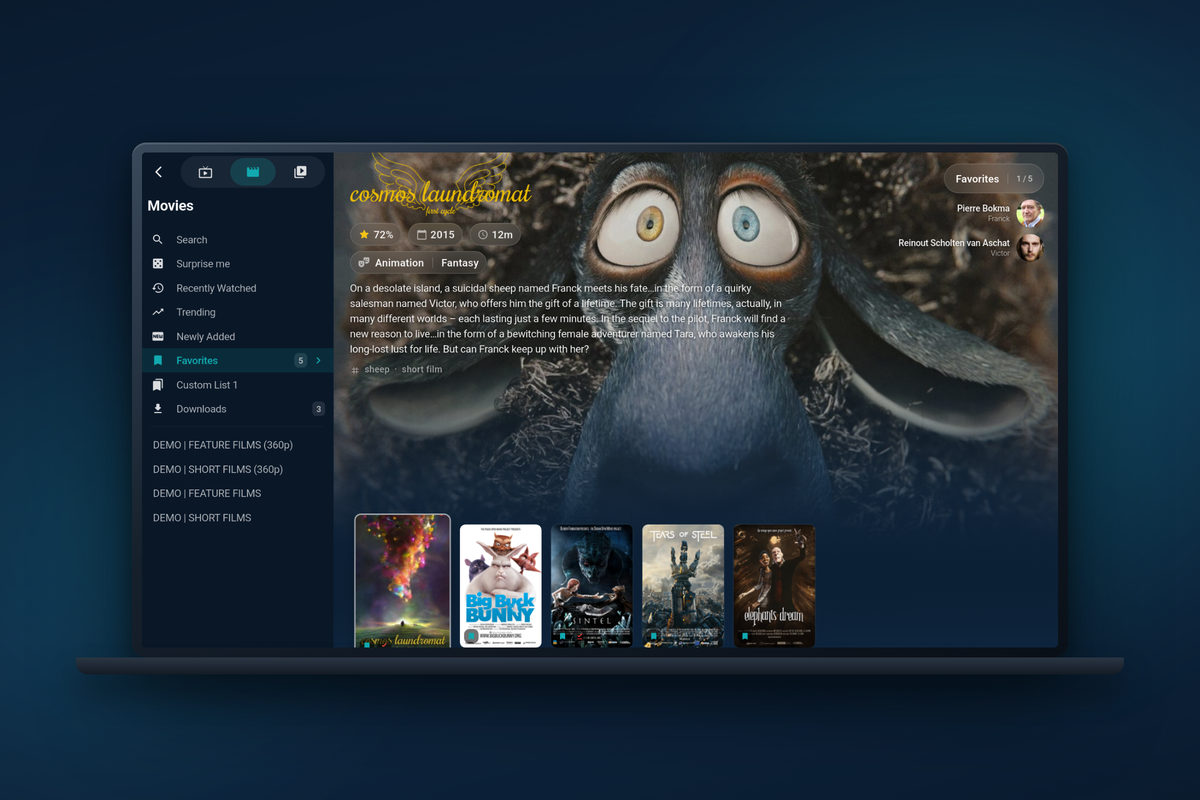
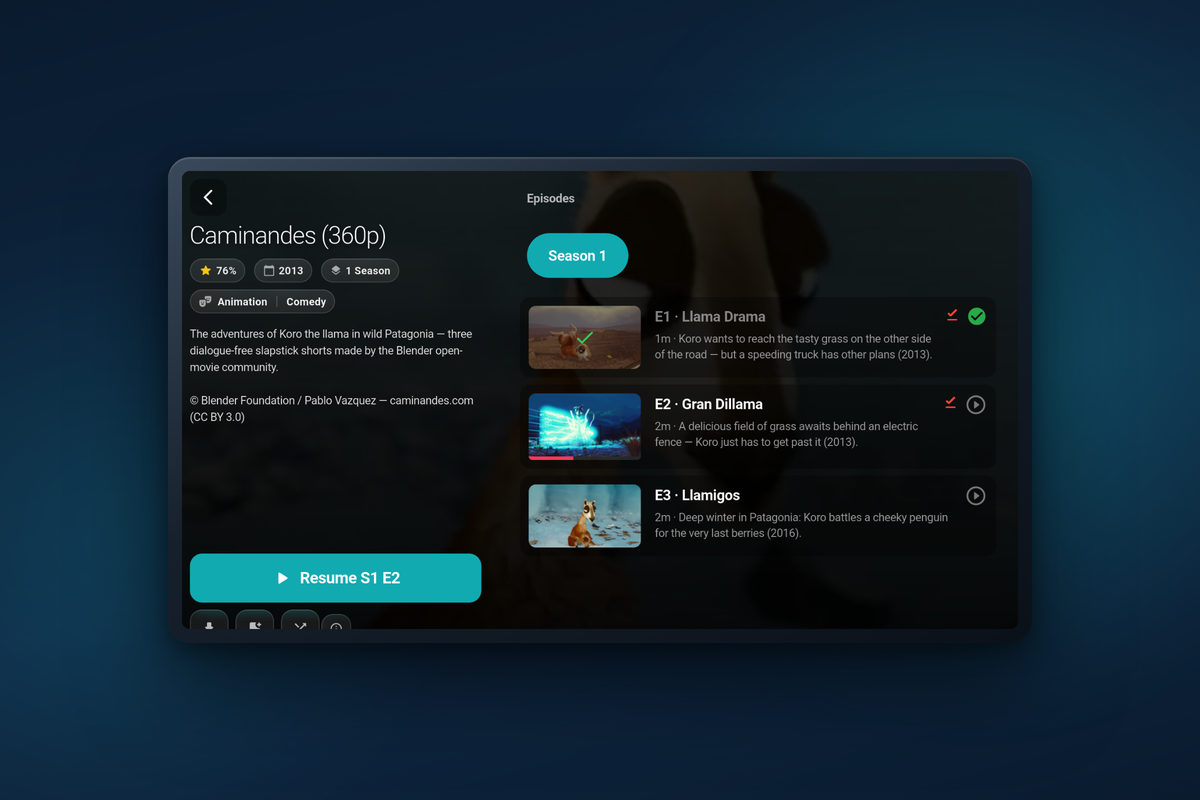
Same app everywhere
Install it once on every screen you own.
Your profiles, favourites and continue-watching move with you — over your local network or the cloud.
How it works
Ready in three steps.
Install Tunvio
From your platform’s store — no account, no registration, no email.
Add your IPTV profile
Enter your Xtream Codes or Stalker credentials, or paste your M3U URL. Several services? Merge them into one profile.
Start watching
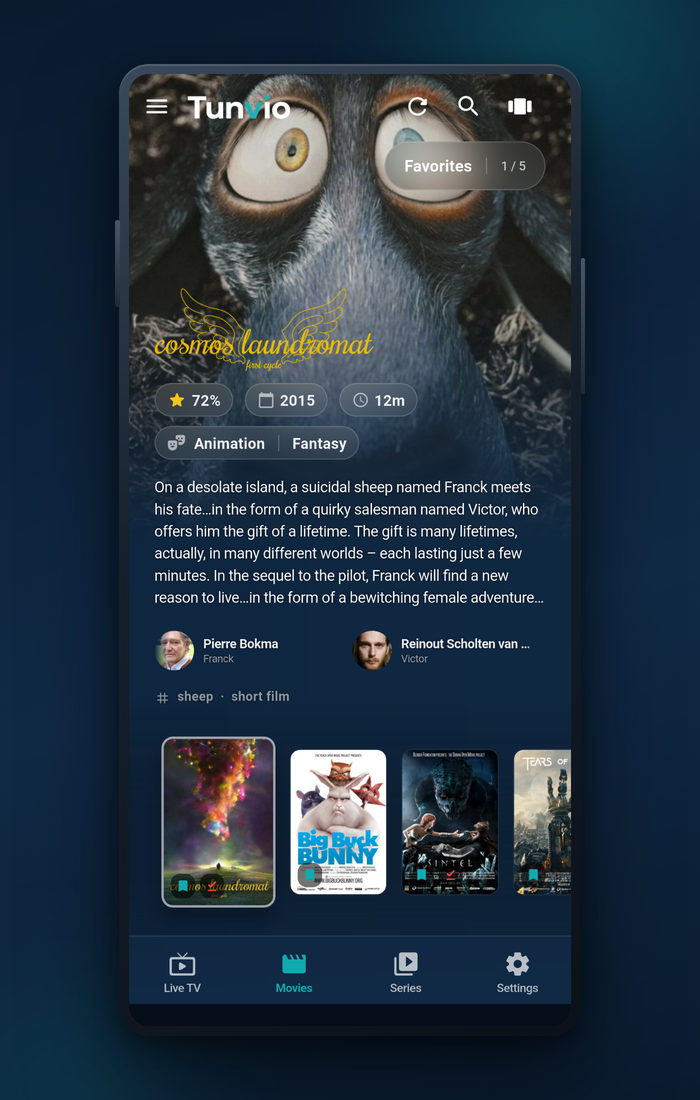
Live TV, movies and series — instantly, with the TV guide, posters and plots.
What you need
- Your own IPTV subscription: Xtream Codes, an M3U URL, a Stalker portal or a direct stream link
- An internet connection
- A device of your choice — phone, tablet, TV or computer
Tunvio is a player only and does not provide any channels or content.
Runs on
- Android phones & tablets, iPhone & iPad
- Android TV, Fire TV & Samsung Smart TV (Tizen)
- Windows, macOS & Linux
- Chromecast & DLNA — from your phone to the big screen
Privacy
What stays on your device — and what does not.
Tunvio has no user account. There is nothing to register, no email address to hand over, and no Tunvio server holding your channels, your history or your credentials.
- Server address, username and password of your IPTV access
- Profile names and the optional parental PIN
- Watch history and favourites
- Recordings, downloads, image and metadata caches
Credentials and the PIN live in your operating system’s encrypted secret store (Android Keystore, iOS Keychain). None of it reaches the Tunvio Project — uninstalling wipes it completely.
Channels, movies and series travel straight from the server you entered yourself. Tunvio does not sit in between and does not reroute anything.
tmdb.tunv.io · subs.tunv.ioFor descriptions, posters and online subtitles, the cleaned title and the release year go to our cache — nothing else. No credentials, no playback URLs. Those servers keep no access logs, and your IP address is not stored.
diag.tunv.iooff by defaultOnly if you switch it on. What goes out is the kind of error, its class and technical basics — no URLs, no channel or movie titles, no search terms. Instead of a device ID, an identifier regenerated every calendar day: a device cannot be recognised across days. Server in Germany, deleted after 90 days.
Firebaseoff by defaultAndroid and iOS only, and only with your consent, which you can withdraw in the settings at any time. Credentials, profile names and playback URLs are excluded here too.
If you connect it, profiles and favourites sit in your own iCloud or Google Drive account — we run no sync server and never see that data. On your home network it works without the internet at all, end-to-end encrypted from device to device.
That is the short version. The full privacy policy is the binding one — it names the legal basis, the retention period and the way to withdraw consent for every single point.
FAQ
Frequently asked questions.
Where can I get Tunvio?
For Android, Android TV and Fire TV, download Tunvio from Google Play or as the official APK — signed, checksummed and ready for devices without the Play Store. Store versions for iPhone and iPad, Samsung Smart TV (Tizen), Windows and macOS are on the way and planned for Q3 2026.
Do I need an account?
No. Tunvio works entirely without registration — install the app, enter your IPTV access, done. Your credentials stay encrypted on your device.
Does Tunvio provide channels or content?
No. Tunvio is a player only. Channels, movies and series come from your own IPTV provider — you need an existing subscription with Xtream Codes access, an M3U URL or a Stalker portal login.
Which services are supported?
Xtream Codes accounts, M3U and M3U8 playlists, Stalker portals and direct stream links (HLS, TS, MP4 and more). With Premium you can merge several of them into a single profile — one catalog, one channel list.
How much does Tunvio cost?
The core is free, forever: live TV with the TV guide, movies & series, favourites, history, search, subtitles and both playback engines. Pro features like recordings, downloads, Chromecast & DLNA, parental controls and account merging come with Premium — monthly, yearly or as a one-time lifetime purchase, and the yearly plan starts with a 7-day free trial. You’ll see the current price in the app before you buy anything.
Can I record and watch offline?
Yes, with Premium: record live TV instantly or scheduled from the TV guide — recordings keep running in the background, even after a restart — and download movies and episodes. You choose where files are stored: device, SD card, USB or NAS.
Does it work with a remote?
Yes. Every screen is built for a D-pad, so Android TV, Fire TV and Samsung Smart TV work without touch. On the TV you can sign in by scanning a QR code with your phone instead of typing.
A stream won’t play — now what?
Tunvio ships with two playback engines. If a stream refuses one, switch to the other in the settings; that solves most cases. Hardware decoding and buffer size are adjustable too, which helps with 4K streams on weaker devices.
Is Tunvio available in my language?
Very likely: Tunvio speaks 22 languages — including Arabic, Persian and Urdu with true right-to-left layouts.
Curious about the features?
See everything Tunvio can do — from the TV guide to parental controls, in real screenshots.