
APK download
Tunvio APK — the official download.
The install file straight from the developer, signed and checksummed. For Android phones, tablets, Android TV, Fire TV and any device without the Play Store. No account, no ads, no sign-up.
APK mirror sites re-host the file and often repackage it — the signature no longer matches, updates fail, and nobody can say what else ended up inside. This page and Google Play are the only sources we run. The checksum and the signing fingerprint are further down, so you can verify any file yourself.
Which file?
One for everything — or a small one for your device.
The universal file carries all three processor architectures and runs anywhere. If you want to save the bandwidth, take the matching single build: about a third of the size, identical app.
Contains all three architectures. Runs on any Android device from Android 7.0 up — phone, tablet, Android TV, Fire TV, TV box. Take this one if you do not know what is inside your device.
Download SHA-256 checksumThe common choice: practically every phone and tablet from around 2016 on, plus most newer Android TV boxes and Fire TV devices.
Download SHA-256 checksum32‑bit: older phones and many inexpensive TV sticks and boxes. Chromecast with Google TV belongs here too — the arm64 file will not start on it.
Download SHA-256 checksumFor Chromebooks with Android support, Intel tablets and emulators. You do not need this one on an ordinary phone or TV.
Download SHA-256 checksumAll four files are the same app, the same version and the same signing key — you can switch between them at any time without uninstalling first.
Verify it
Check the file instead of trusting it.
A checksum is a fingerprint of the file: 64 characters your computer works out from its contents. Change a single byte anywhere in it and the fingerprint comes out completely different. We publish ours next to every download — if your computer arrives at the same one, you are holding exactly the file we built.
You need no extra software
Windows, macOS and Linux can all do this out of the box. Nothing to install, nothing to sign up for. Two minutes, and you never have to do it again for this file.
Copy, paste, Enter
Pick your system below and copy the block. Open the command line, paste it, press Enter. It fetches our fingerprint and compares it with the one from your file.
Read the answer
It ends in either OK or a failure. OK means the file is untouched. Anything else means: delete it and download it again from this page.
Windows
Press the Start button, type PowerShell, open it. Then paste the block below and press Enter. It assumes the APK is in your Downloads folder — if it is somewhere else, change the first line.
cd $HOME\Downloads
curl.exe -O https://tunv.io/app/tunvio-latest.apk.sha256
$ours = (Get-Content tunvio-latest.apk.sha256).Split(" ")[0]
$yours = (Get-FileHash tunvio-latest.apk -Algorithm SHA256).Hash
if ($yours -eq $ours) { "OK - this is our file" } else { "STOP - do not install" }
The line you want to see: OK - this is our file
macOS
Press Command plus Space, type Terminal, open it. Then paste the block below and press Enter. It assumes the APK is in your Downloads folder — if it is somewhere else, change the first line.
cd ~/Downloads
curl -O https://tunv.io/app/tunvio-latest.apk.sha256
shasum -a 256 -c tunvio-latest.apk.sha256
The line you want to see: tunvio-latest.apk: OK
Linux
Open a terminal. Then paste the block below and press Enter. It assumes the APK is in your Downloads folder — if it is somewhere else, change the first line.
cd ~/Downloads
curl -O https://tunv.io/app/tunvio-latest.apk.sha256
sha256sum -c tunvio-latest.apk.sha256
The line you want to see: tunvio-latest.apk: OK
Took one of the smaller files? Then replace tunvio-latest.apk everywhere with its name, for example tunvio-latest-arm64-v8a.apk. And if you are downloading straight onto a phone or a TV, there is no command line to run: what counts there is that the address really says tunv.io and not a mirror site. You can still check the file later on a computer — it does not change.
The checksum shows the file is unchanged. The signature shows it came from us — and that one Android checks by itself at every install, so there is nothing for you to do. It is also the reason a repackaged file from a mirror site cannot update a Tunvio installed from here: different key, install refused.
Signing fingerprint (SHA-256):
09f6c32d41b9eb4d78ade7ca4f1c64480e246d560aad0d7f194adb821816b7ce
If you want to see it for yourself, apksigner verify --print-certs tunvio-latest.apk prints it — apksigner comes with Android’s developer tools. The fingerprint belongs to our sideload key and is the same across all four files. The Play Store build carries a different one, because Google signs that copy with its own key. That is why a Play install cannot be overwritten by an APK from here and the other way round: uninstall first, then install.
Installing
Three steps on the device.
On a phone or tablet
Download the APK and open it. Android asks once for permission to install apps from this source — confirm, go back, done. The permission applies only to the browser you downloaded from.
On Android TV or Fire TV
A TV has no file download. Install a sideload app from your device’s store, give it tunv.io/apk and pick the matching file. Beforehand, allow that app to install from unknown sources under Settings → Security.
Add your IPTV access
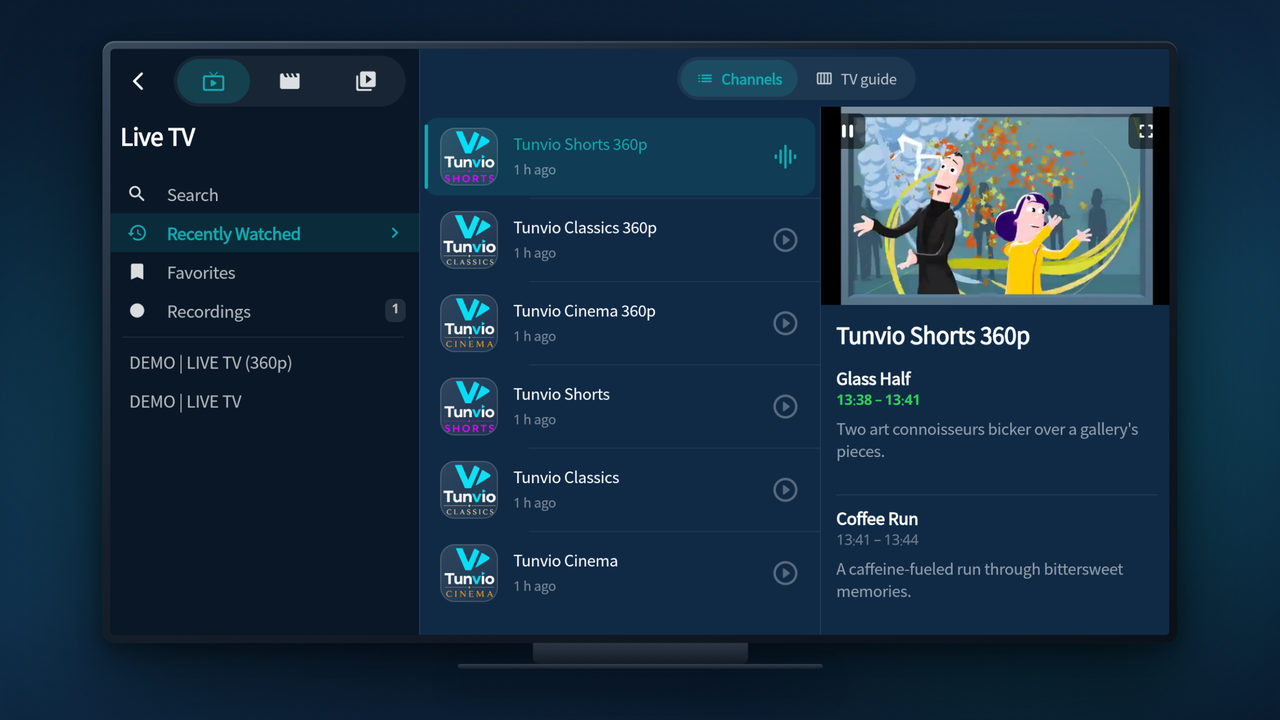
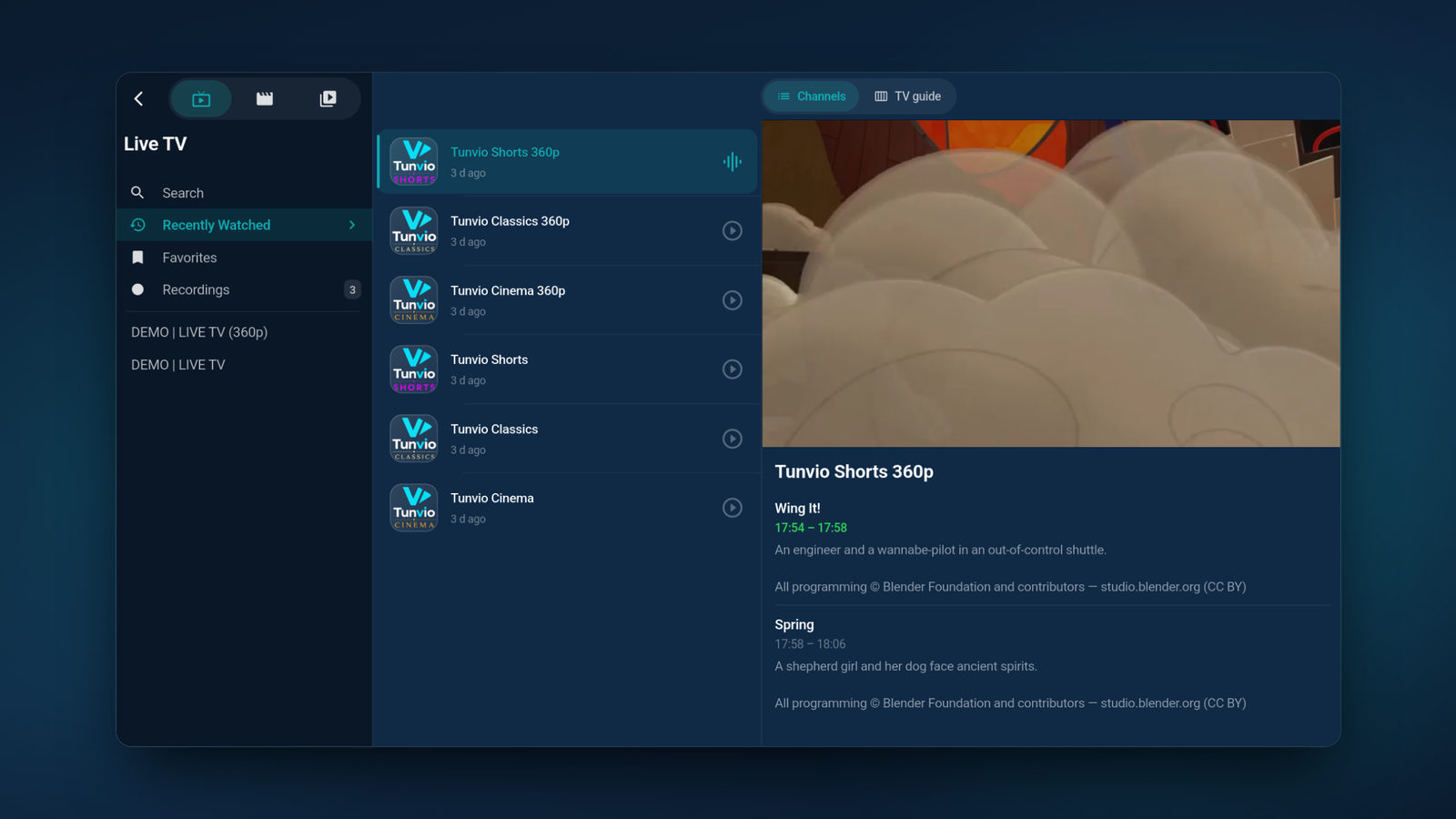
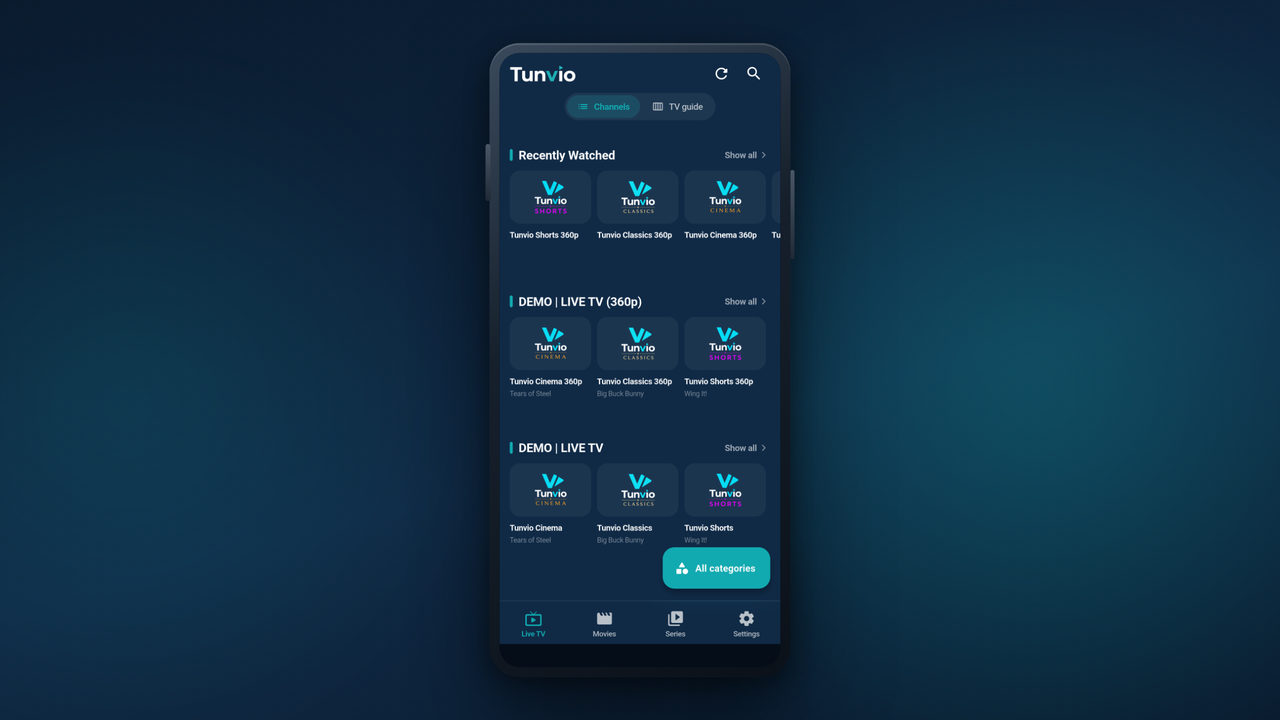
On first launch, enter your Xtream Codes details, an M3U URL, a Stalker portal or a direct stream link. Live TV, movies and series are then there — with a full TV guide and posters.
Updates without a store
The APK build does not update itself — but it does tell you. Tunvio checks on launch whether a newer version is out and points you back here.
- Install the new version straight over the old one — profiles, favourites and continue-watching stay put
- No uninstall needed as long as you stay on the files from this page
- Switching between the universal file and an architecture build works in both directions
- This page always links the current build — the link itself does not change with a release
APK or Play Store?
Both are the same app. If your device has the Play Store, that is the easier route — updates then arrive on their own.
- APK: Fire TV and Fire tablets, TV boxes without the Play Store, devices where Tunvio is not offered in the store
- APK: when you want to stay on a particular version, or install without a Google account
- Play Store: phones, tablets and Android TV with Google services — automatic updates included
Privacy
What stays on your device — and what does not.
Tunvio has no user account. There is nothing to register, no email address to hand over, and no Tunvio server holding your channels, your history or your credentials.
- Server address, username and password of your IPTV access
- Profile names and the optional parental PIN
- Watch history and favourites
- Recordings, downloads, image and metadata caches
Credentials and the PIN live in your operating system’s encrypted secret store (Android Keystore, iOS Keychain). None of it reaches the Tunvio Project — uninstalling wipes it completely.
Channels, movies and series travel straight from the server you entered yourself. Tunvio does not sit in between and does not reroute anything.
tmdb.tunv.io · subs.tunv.ioFor descriptions, posters and online subtitles, the cleaned title and the release year go to our cache — nothing else. No credentials, no playback URLs. Those servers keep no access logs, and your IP address is not stored.
diag.tunv.iooff by defaultOnly if you switch it on. What goes out is the kind of error, its class and technical basics — no URLs, no channel or movie titles, no search terms. Instead of a device ID, an identifier regenerated every calendar day: a device cannot be recognised across days. Server in Germany, deleted after 90 days.
Firebaseoff by defaultAndroid and iOS only, and only with your consent, which you can withdraw in the settings at any time. Credentials, profile names and playback URLs are excluded here too.
If you connect it, profiles and favourites sit in your own iCloud or Google Drive account — we run no sync server and never see that data. On your home network it works without the internet at all, end-to-end encrypted from device to device.
That is the short version. The full privacy policy is the binding one — it names the legal basis, the retention period and the way to withdraw consent for every single point.
FAQ
Questions about the APK.
Is the Tunvio APK safe?
The file on this page comes straight out of our build and is signed with our own key. Every file has a SHA-256 checksum next to it, and the signing fingerprint is printed openly on this page — you can verify both before installing. Tunvio contains no ads and no trackers. We cannot make that promise for files from APK mirror sites: those are often repackaged.
Why is the APK so large?
Because two complete playback engines ship with it (libmpv and libVLC) — that is why Tunvio plays streams other players choke on. The universal file carries those engines for all three processor architectures on top of that. The single build for your architecture is about a third of the size and functionally identical.
Which variant does my device need?
When in doubt, the universal file — it runs everywhere. Phones and tablets from around 2016 on need arm64-v8a, older devices and many cheap TV sticks need armeabi-v7a, Chromebooks need x86_64. If the variant does not match, the install aborts or the app will not start — nothing can break, you simply install the universal file instead.
Can I install the APK over a Play Store install?
No. The Play build and the APK are signed with different keys, so Android refuses the install. To switch, uninstall Tunvio first, then install the APK. Your profiles live on the device and are lost in the process — device sync lets you save them to another device beforehand.
How do I install the APK on a Fire TV Stick?
Through a sideload app from the Amazon Appstore. Enter tunv.io/apk there, pick the matching file and install. Beforehand, allow that sideload app to install unknown apps under Settings → My Fire TV → Developer options.
Will I get updates?
Tunvio checks on launch whether a newer version is available and tells you. You then download the new file here and install it over the old one — profiles, favourites and progress stay put. Automatic updates only come with the Play Store.
Do I need an account?
No. Tunvio works without any sign-up — install it, enter your IPTV access, done. Your credentials stay encrypted on your device.
Does Tunvio provide channels or content?
No. Tunvio is a player and nothing else. Channels, movies and series come from your own IPTV provider — you need an existing subscription with Xtream Codes access, an M3U URL or a Stalker portal.
Not on Android?
Tunvio is also there for iPhone and iPad, Samsung Smart TV, Windows, macOS and Linux.